Your Spotify library,
laid out on a calendar
Every saved album and liked song, grouped by the day you added it — browse your listening history by month, week, year, list or stats, filter by genre, artist and era, and play anything on your Spotify devices.
Self-hosted · your tokens stay in httpOnly cookies · or try it without an account: DEMO_MODE=1 npm run dev
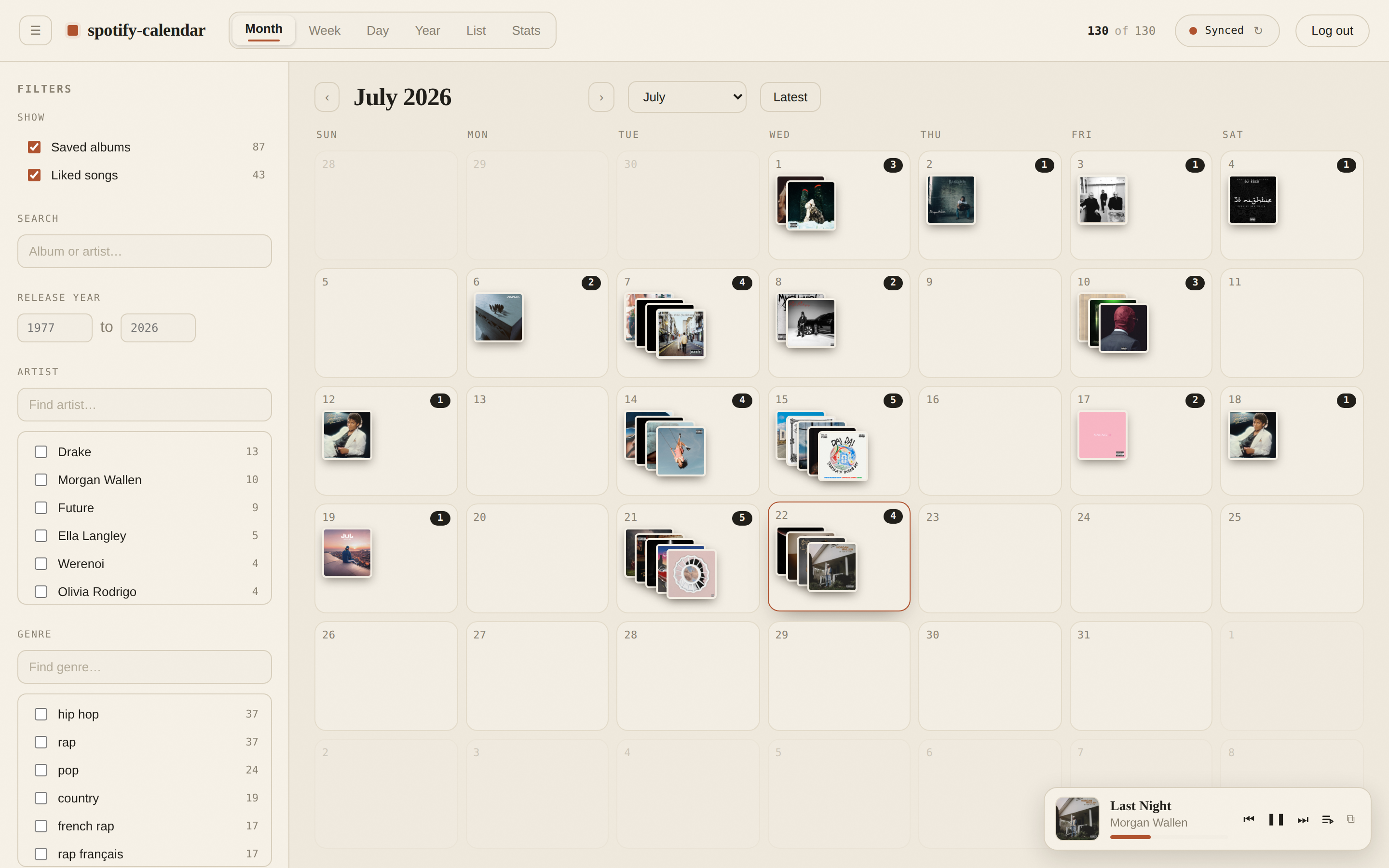
Every view of your listening life
The same library, six lenses. All state lives in the URL, so any view — filters included — is a shareable link.
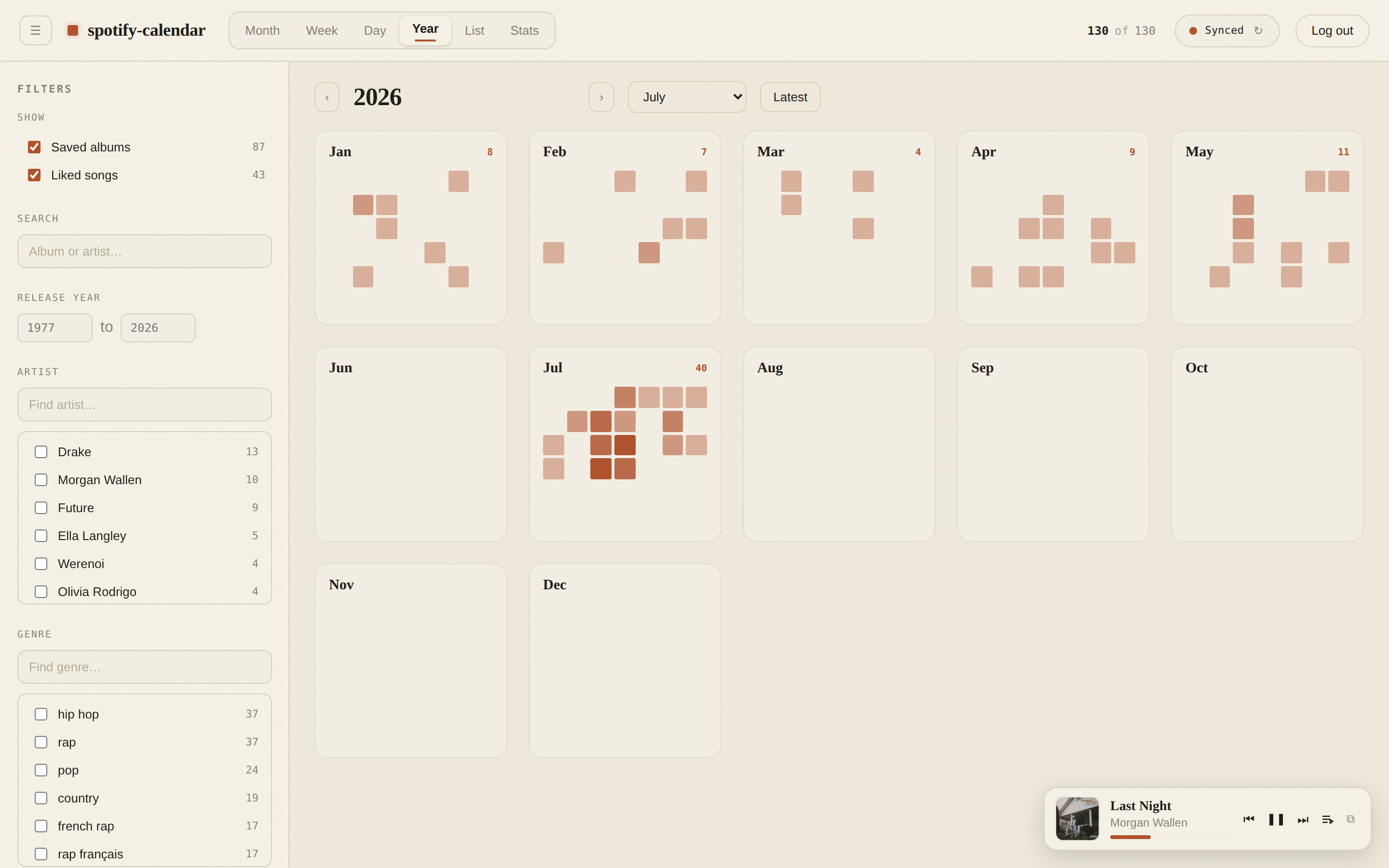
Year at a glance
Twelve mini-months show the rhythm of your saves — binges and quiet spells alike.
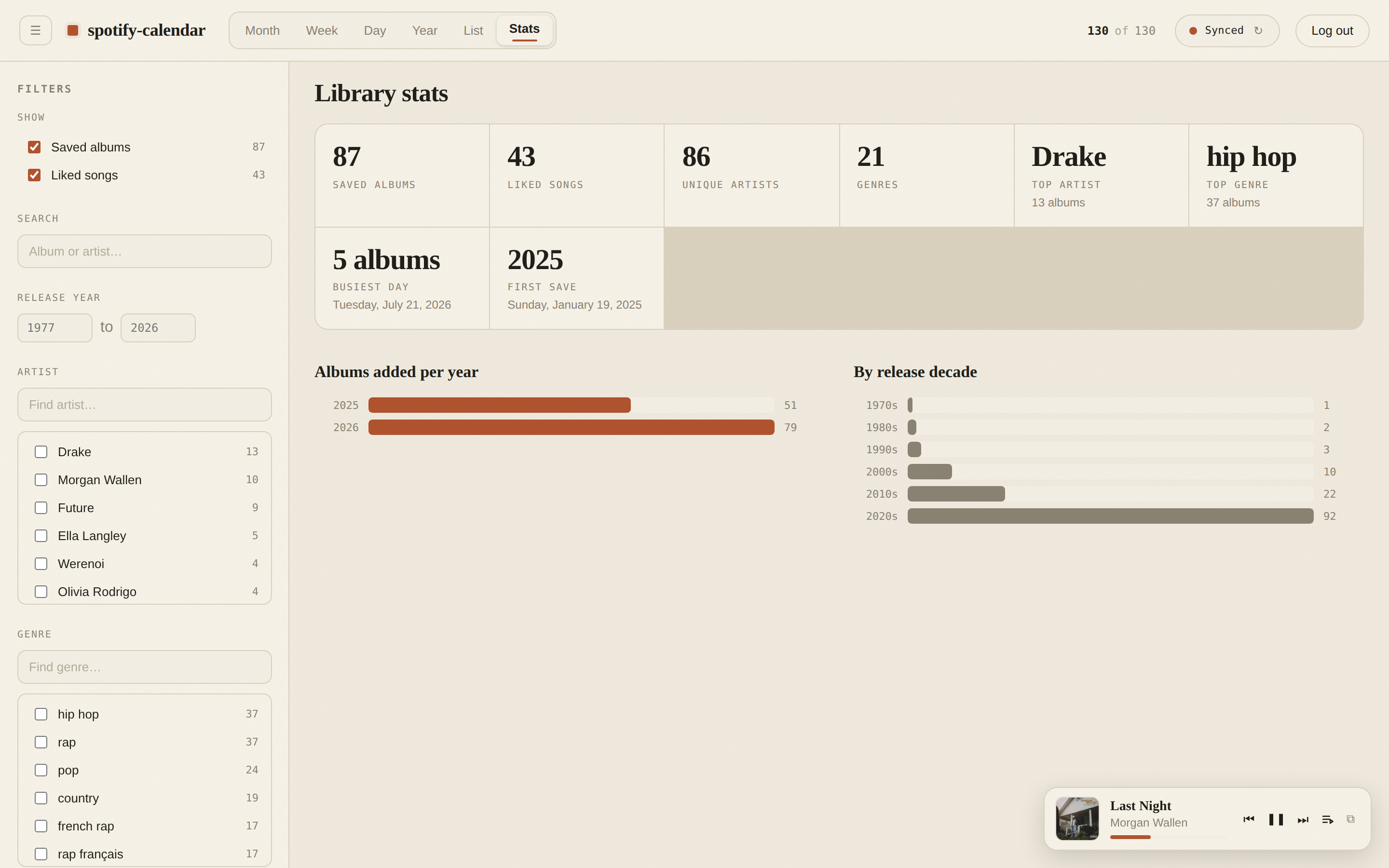
Library stats
Totals, top artists and genres, release-decade spread — your library, quantified.
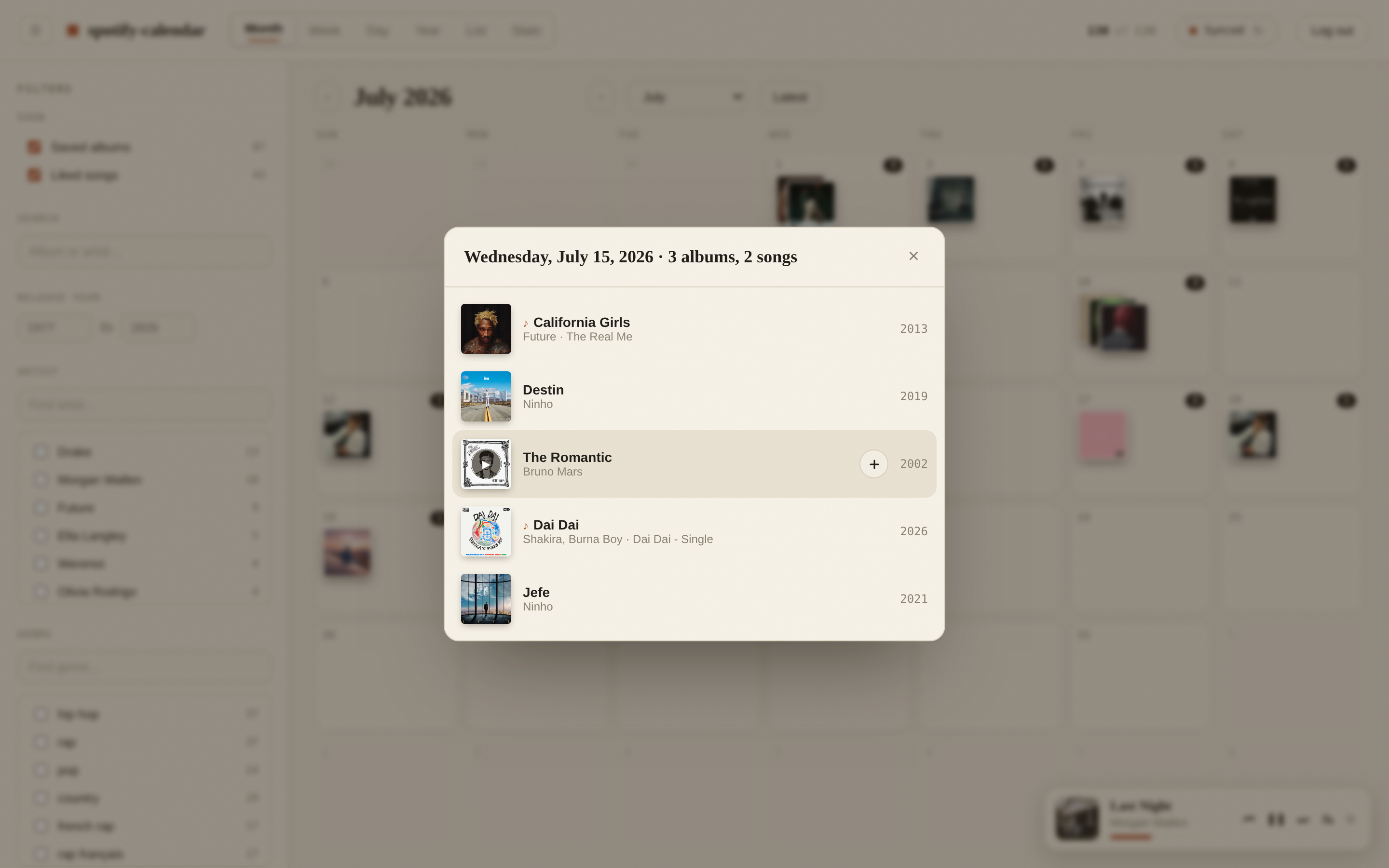
Tap a day
See everything you saved that day — and play or queue it on your active Spotify device.
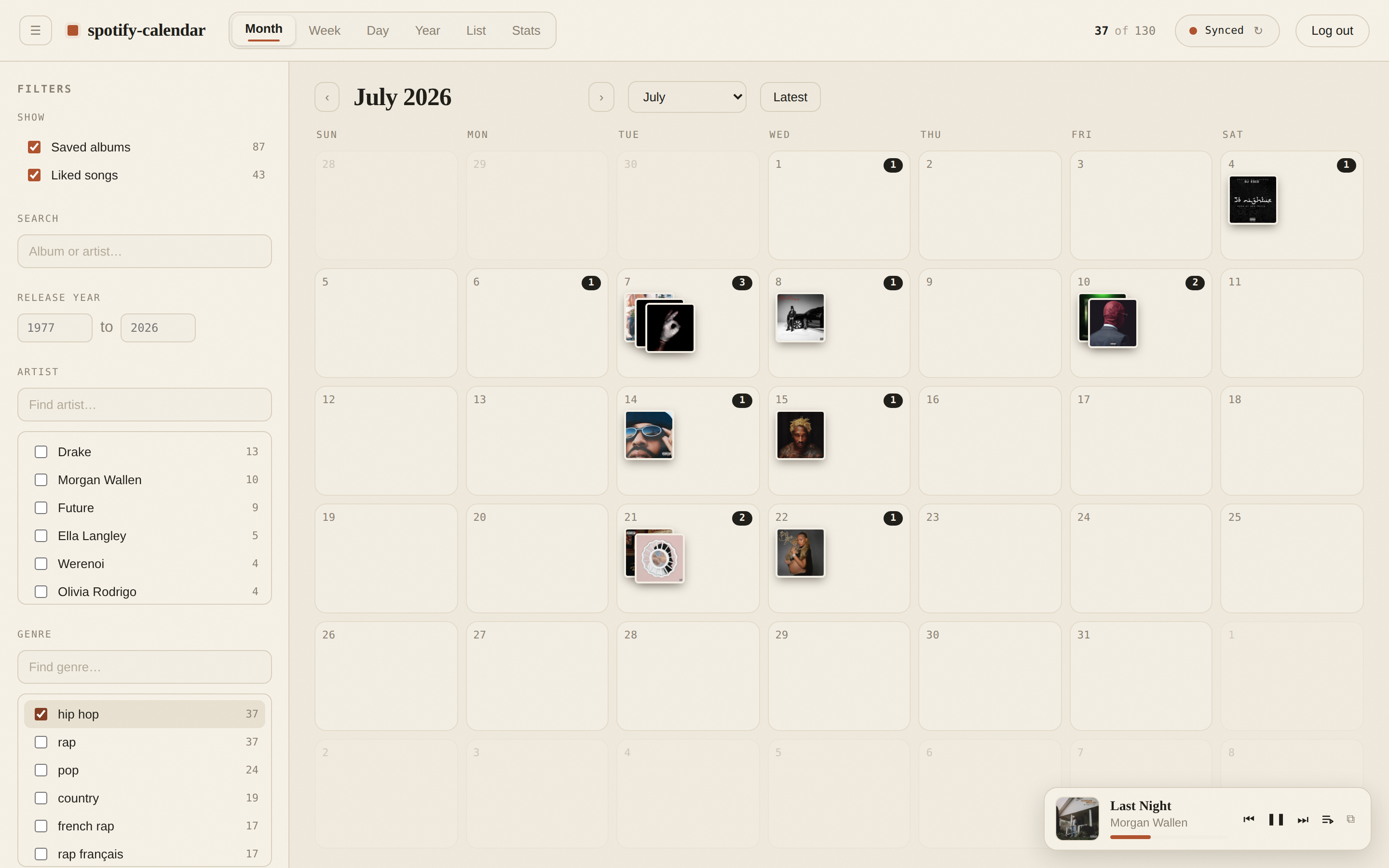
Slice by anything
Genre, artist, release-year range, free-text search, albums vs. liked songs — combined live.
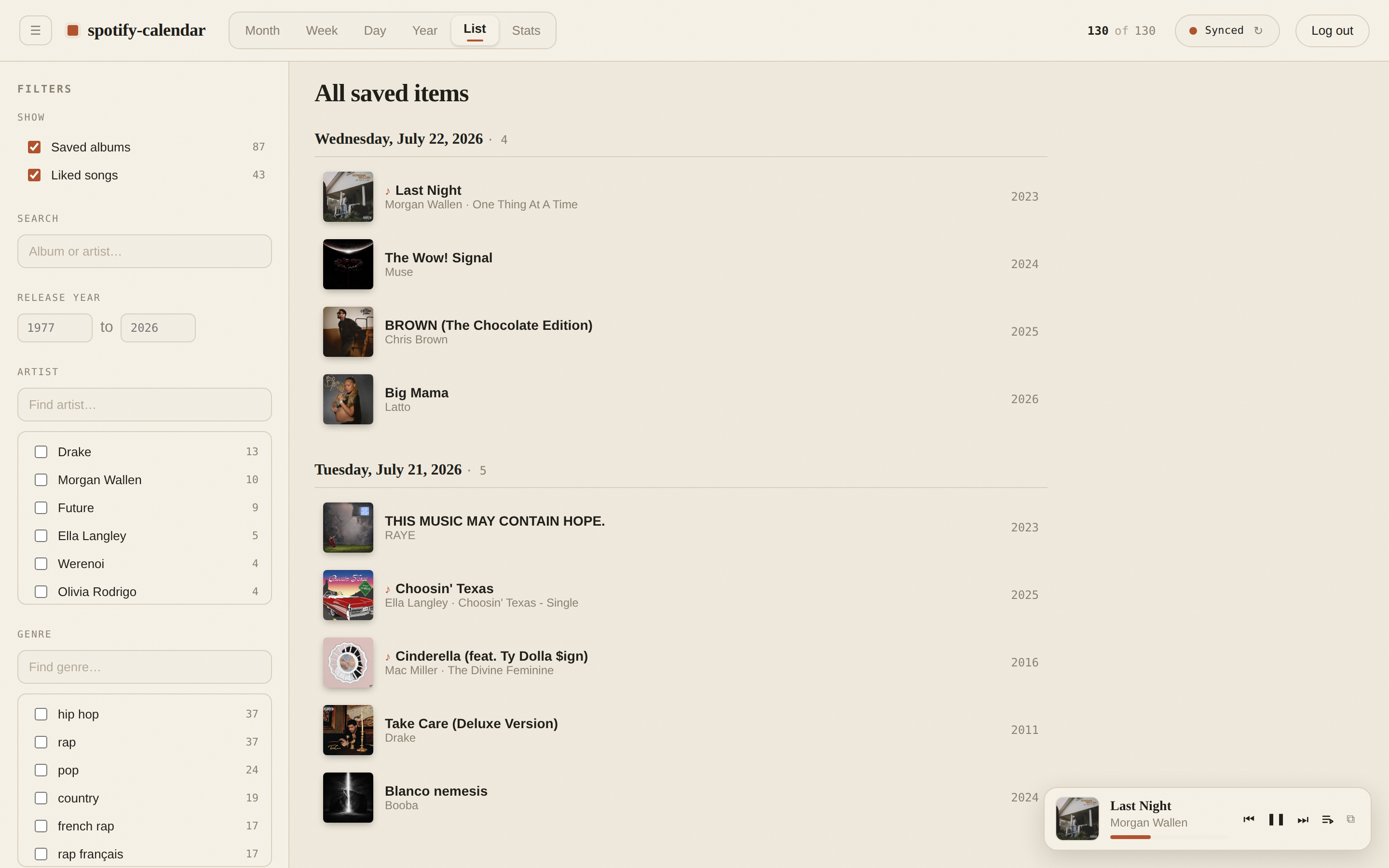
The whole library, chronologically
A flat, filterable timeline of every save — newest first, with covers, years and genres.
Made for the couch, too
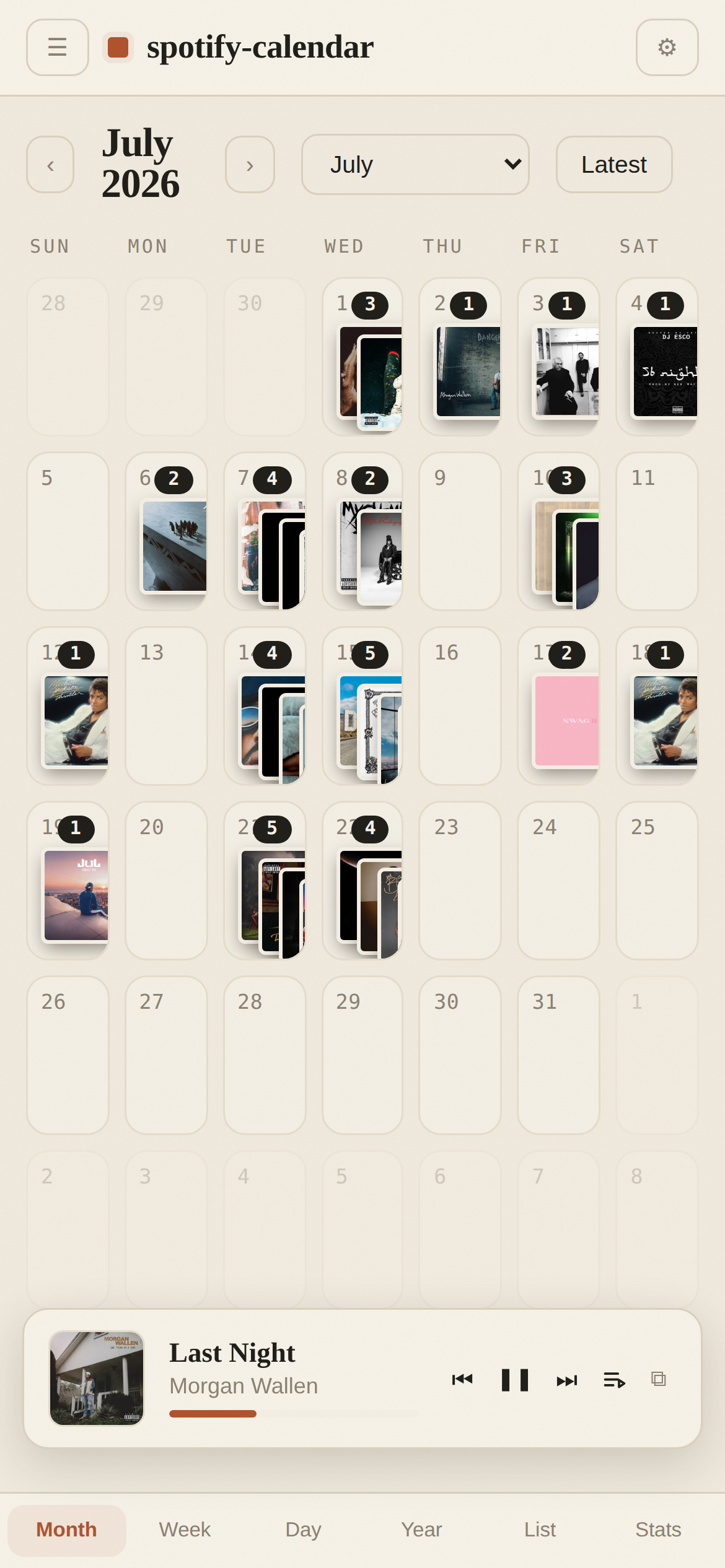
The layout collapses to a bottom-nav phone experience, installable as a PWA.
- Bottom navigation and touch-friendly day cells
- Installable PWA with app icons and offline-cached library
- Mini-player controls your active Spotify Connect device
- Sync resumes automatically if you close the tab mid-way
Small, self-hosted, private
No database, no third-party services. Your library is fetched server-side and cached in your browser; Spotify tokens live in httpOnly cookies and never reach client JavaScript.
Resilient sync
Paged, resumable library sync with incremental refresh — it survives closed tabs, respects Spotify's rate limits, and picks up new saves on its own.
Server-side auth
The Authorization Code flow runs entirely on the server. Tokens are stored in httpOnly cookies and refreshed transparently.
One command up
make up for hot-reload dev, make prod-deploy for a lean standalone Docker image with healthchecks.
Run it in two minutes
Clone the repo, add your Spotify app credentials, and you're browsing your own library — or skip the credentials entirely with demo mode.